
Digital strategy
SEO before launch: a checklist for your website
Content, links, indexing and continuity: what to check before and after launch, especially when replacing an existing website.
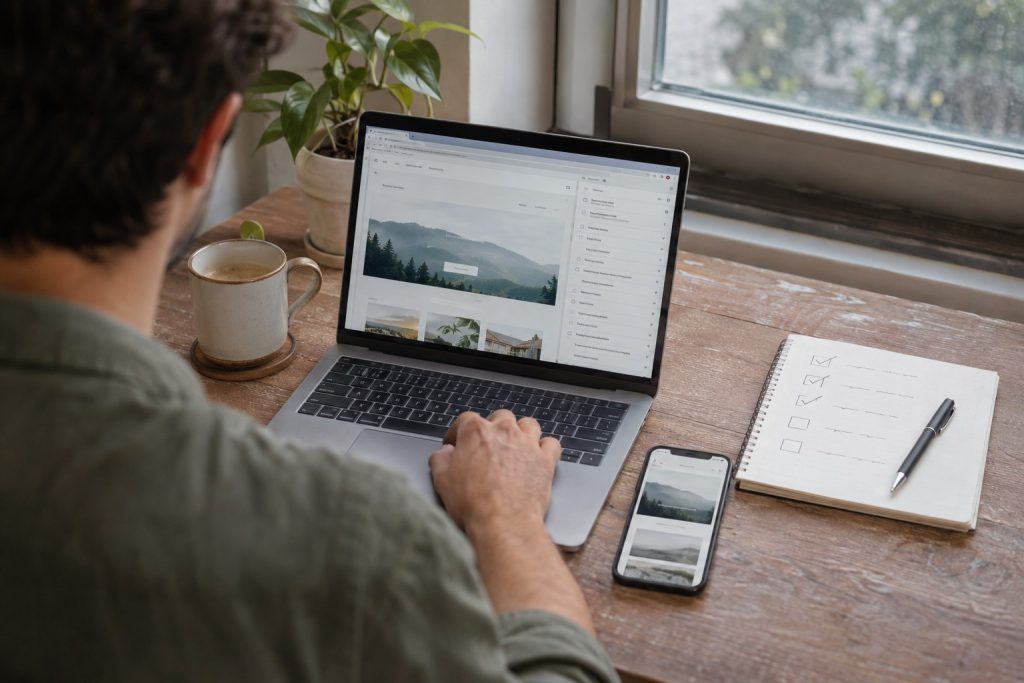
A website can look complete and still have obstacles to discovery: unclear pages, broken links or a review setting that prevents indexing. Review SEO during the project and check it again when the website goes live.
This checklist helps organise the conversation between content, development and the person responsible for the site. It does not guarantee Google rankings or replace a technical audit for a complex migration.
1. Check the question each page answers
For each main page, write one sentence explaining whom it serves and what it helps them do. A service page should explain the offer, who it suits and the next step; an article can answer a more specific question.
Check that the title, main heading and content describe the same topic. Write for people who need to understand the offer, avoiding near-identical pages created just to repeat keyword variations.
Complete the copy and remove internal instructions, demonstration content and unsupported claims. Confirm the evidence and permission behind any statements about experience, figures or results.
2. Review navigation and internal links
Open each menu option from the homepage and an internal page. Check that links reach the expected content and that contact buttons support a real action.
Connect articles with services or projects when the relationship helps the reader. Descriptive link text offers more context than generic buttons. Every page does not need to link to every other page.
Include images, downloadable documents and forms in the review. A successful HTTP status does not establish that a page is using the correct template or content.
3. Confirm production can be indexed
A development environment may use a noindex directive to stay out of search results. At launch, the technical team should confirm that pages intended for indexing no longer carry that directive, including in HTTP headers.
Review robots.txt too. Blocking crawling and requesting exclusion from indexing are different controls: a search engine must be able to access a page to read its noindex directive.
Check that canonical URLs point to the final domain and the sitemap lists current public pages. Language links should correspond to existing, complete translations.
4. Preserve the URL map when replacing a site
Before the change, collect the previous public URLs and decide what happens to each one: it stays, has an equivalent replacement or no longer exists. A migration needs a map as well as a new design.
When a URL changes and an equivalent exists, prepare a permanent redirect to that destination. Sending every old URL to the homepage does not address the intent of someone looking for specific content.
Test redirects and update internal links to their final destinations. Review documents and campaign links that are still in use.
5. Review mobile, images and real functionality
Read the website on a phone and check text size, controls, menus and content extending beyond the screen. Optimise image sizes and provide text alternatives where images convey information.
Test the contact or purchase journey relevant to the project. The objective is to establish that someone can complete their task, beyond approving a screenshot.
Structured data should describe real, visible content. Passing a technical validation does not turn a commercial claim into a verified fact.
6. Decide what to check after launch
With domain ownership verified in Search Console, submit or check the sitemap and use URL inspection for priority pages. Submitting a sitemap does not guarantee indexing or immediate results.
Over the following weeks, observe access and indexing issues, queries generating impressions and pages receiving useful visits. Record commercial enquiries through the available process to connect visibility with actual objectives.
Assign someone to fix links, review changing information and maintain the editorial calendar. Publishing more articles does not replace maintaining useful and accurate content.
A launch you can verify
Keep a record of each reviewed URL, the check performed, its outcome and owner. This separates verified work from items still needing attention.
If you are planning a redesign, also review what a website proposal should include so migration and continuity are part of its scope. To discuss your launch, tell us where the project stands.
Official sources
This checklist combines Forsend’s editorial guidance with technical documentation from Google and W3C. It is not a ranking guarantee. Accessed on 22 November 2026.